Status
- beta
Source


Player & Librarian
Status
Source
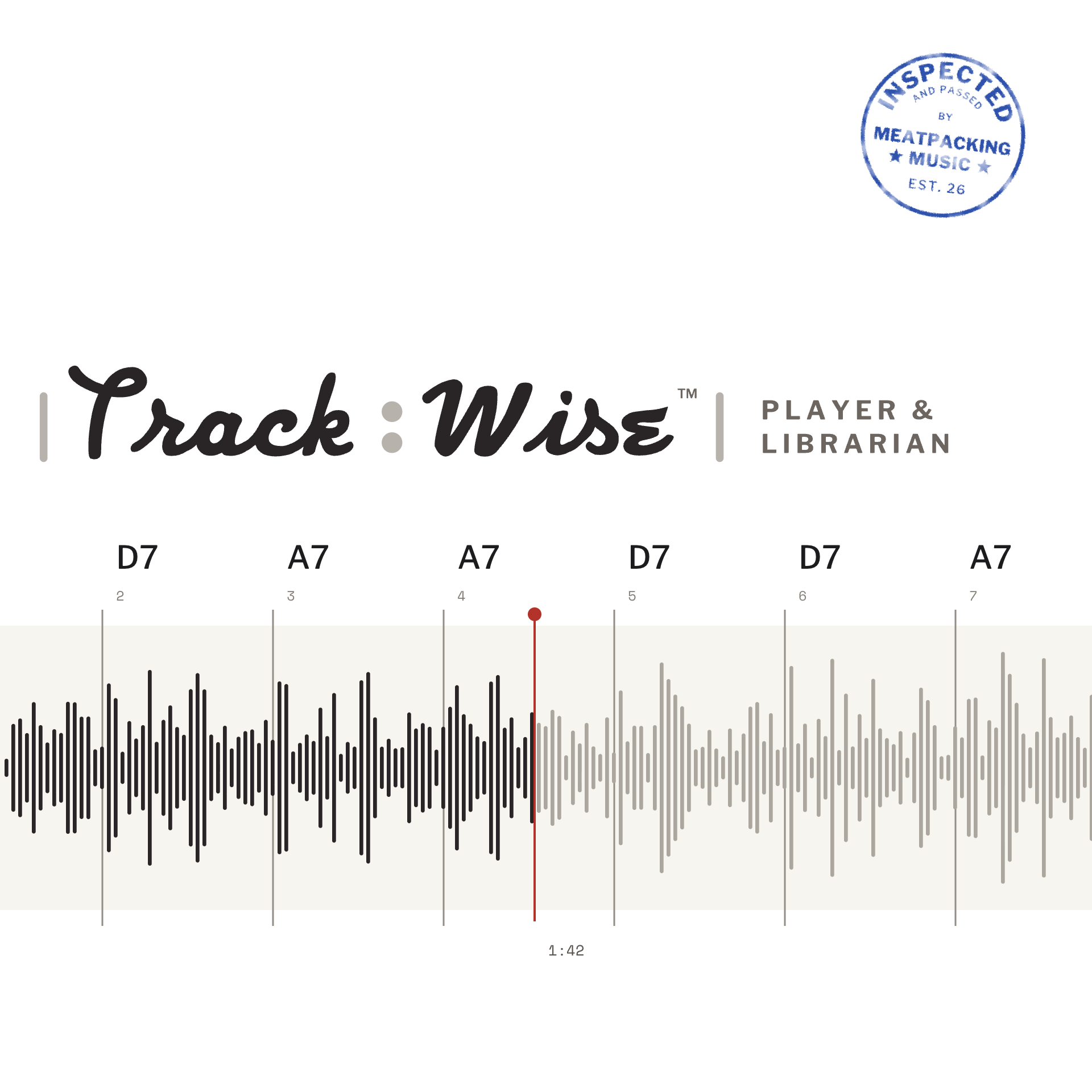
TrackWise™ is a librarian and player specifically for backing (jam) tracks. Manage them all in one place for easy search, and export them to your looper. TrackWise is the full-featured version of the track manager embedded in NeckWise™.
Manage and tag your own track library, or get permission from an Instructor to access more, including the tracks from courses you've already bought. Tracks provided by instructors will be accompanied by charts.
NeckWise™ is a fretboard visualization tool that displays chords and scales in position or across the entire neck, allowing you to see tones and voicings in context. It is the flagship tool and hub of the xWise group of study utilities.
NeckWise™ can only display one fretboard "state" at a time. After all, you can only play one thing at a time in one spot on the neck. Because there are many positions on the neck, many scale fingerings and chord voicings, multiple chords in a progression, NeckWise™ has spawned a number of utilities in addition to TrackWise™ that specialize in ALL of one type of object:
Renown instructor and touring artist Jeff McErlain has seeded the library with his collection of outstanding tracks entitled "Blues Jams Vol. 1", available as part of his YouTube Freebies course at jmguitarlessons.com.
The xWise tools are freeware. Contributions or "tips" are welcome if you find the tools useful and want to help defray our monthly hosting and development expenses. One email account works across all of them. Remember that content is not free, so ask your instructor about getting their course lessons and backing tracks to work safely with these tools. It's free to them and simple to do. We'll even send them half of your tip.
Users are encouraged to upload and manage their own tracks, which requires sign-in. A Quick Start Guide and full User Guide are available through the HELP button, and a FEEDBACK button is provided as a way to report bugs or request features. The FEEDBACK mechanism takes a snapshot of the app state so we can reconstruct what you are seeing.
Tracks that you upload will be private to you and not visible to anyone else. Private tracks will not be supported by a dynamic chart, at least not yet. If you have a PDF chart, it will display if you upload it with the track.
If your tracks are part of a course you bought, please contact your instructor about connecting the tracks, lessons, and full charts with the xWise tools. It's easy and built to work with the instructor's platform and paywall.